
The Leadfeeder HubSpot integration connects website-visitor identification to your CRM, so identified companies and their on-site activity can show up alongside the account, contact, and deal records your team already works. This guide covers setup prerequisites, what syncs, how to validate the data, how to troubleshoot gaps, and how to decide whether Leadfeeder adds value beyond HubSpot's native intent features. Product details change, so confirm current behavior in Leadfeeder's and HubSpot's official setup documentation before you build workflows. Last reviewed: 2026.
Most B2B visitors never raise a hand. According to Leadfeeder, between 97% and 98% of B2B website visitors never fill out a form, download gated content, or contact sales. That is the gap this integration is built to address, and also the reason it is easy to misuse. Identifying a company is not the same as identifying a buyer, and a visit is not the same as intent.
If you are also deciding how data should flow across your stack, Apollo's guide to CRM integration strategy covers the principles that apply to any connection like this one.

Apollo Delivers Verified Contacts Instantly
Tired of spending hours researching leads and verifying contact info? Apollo puts business contact info at your fingertips, with 98% email accuracy, so you can spend your day selling instead of digging. Start prospecting in minutes.
Start Free with Apollo →Key Takeaways
- The integration surfaces company-level website activity in HubSpot. It does not reveal every individual visitor.
- Validate in a pilot before automating outreach: check owner assignment, duplicate handling, and exclusions first.
- Compare against HubSpot's native intent enrichment on incremental qualified accounts, not raw record volume.
- Buying decisions involve groups, so aggregate engagement at the account level and check stakeholder coverage before handoff.
- Vendor-reported results (including the figures in Leadfeeder's announcements) are claims to test, not benchmarks to expect.
What Is the Leadfeeder HubSpot Integration?
The Leadfeeder HubSpot integration is a connection that pushes website-visitor intelligence, such as which companies visited your site and which pages they viewed, into HubSpot company and contact records. Reps and marketers can then see web activity in the CRM, filter accounts by engagement, and trigger tasks or workflows.
Two clarifications keep expectations realistic:
- Brand context. In March 2026, Dealfront announced it was unifying under the Leadfeeder brand. According to Leadfeeder's announcement, HubSpot is among the listed integrations, and its transition guidance states that existing integrations, workflows, plans, and pricing remain unchanged by the rebrand. A name change is not a functionality change, so verify features rather than assuming.
- Adjacent releases are not integration upgrades. Leadfeeder's September 2026 launch of AI skills for Claude and ChatGPT is a separate product announcement, not a documented change to the HubSpot sync.
What Do You Need Before Connecting Leadfeeder to HubSpot?
You need admin-level access in both tools, a Leadfeeder plan that includes the HubSpot integration, and a clear plan for how identified accounts should map to existing HubSpot records. Confirm plan eligibility and permission requirements in the official documentation, because they are plan-dependent and can change.
| Prerequisite | Why it matters | Verify before you start |
|---|---|---|
| HubSpot admin or super-admin permissions | Authorizing the app and creating properties requires elevated access | Who owns the HubSpot app marketplace permissions? |
| Leadfeeder account admin access | Needed to authorize and configure the connection | Which Leadfeeder plan are you on, and does it include the integration? |
| Tracking script installed on your site | No script, no visitor data to sync | Is the script firing on all key page templates? |
| Defined ICP and exclusion list | Prevents customers, partners, competitors, and job seekers from triggering alerts | Is the list maintained in one agreed place? |
| Ownership rules | Determines who receives an engaged account | Do you use account owners, territories, or round-robin? |
| Consent and privacy review | Tracking and processing rules vary by region | Has legal or privacy confirmed your cookie and data-handling approach? |
How Do You Set Up the Leadfeeder HubSpot Integration Step by Step?
Setup follows five stages: install the tracking script, authorize the HubSpot connection, configure what syncs, map fields to properties, and test with a small segment. Exact menu names and options change, so treat the steps below as the logical sequence and follow Leadfeeder's current help documentation for screen-level instructions.
- Install and verify tracking. Add the Leadfeeder script to your site and confirm visits are being recorded before connecting any CRM.
- Authorize the HubSpot connection. From Leadfeeder's integration settings, connect to HubSpot using an admin account and grant the requested permissions.
- Choose what syncs. Decide whether to push all identified companies or only those meeting engagement and ICP criteria. Start narrow.
- Map records and properties. Confirm how Leadfeeder companies match to HubSpot companies (typically by domain) and which properties store activity data.
- Pilot with a small segment. Run a two- to four-week test on one region, segment, or page group, then review results before scaling.
What Does the Data Flow Look Like Between Leadfeeder and HubSpot?
Data moves from your website to Leadfeeder, which resolves visits to companies, and then to HubSpot, where records are matched or created and activity is attached. The diagram below is a simplified model for planning, not a specification of every field.
| Stage | What happens | Where it lives | Plan-dependent? |
|---|---|---|---|
| 1. Visit | Anonymous visitor views pages | Your website | No |
| 2. Identification | Visit resolved to a company (not a named person) | Leadfeeder | Match rates vary by traffic |
| 3. Sync | Company and activity data sent to HubSpot | Connection | Yes, verify in settings |
| 4. Match | Company matched to existing record or new record created | HubSpot | Depends on mapping rules |
| 5. Action | Task, notification, list, or workflow triggered | HubSpot | Depends on your HubSpot tier |
Leadfeeder has also documented an embedded company-profile view inside HubSpot for Target users, bringing company and contact enrichment into the CRM interface. Leadfeeder's help article carries a March 2026 date, but the related product announcement points to availability from April 2025, so do not treat it as a newly launched feature.
How Can You Validate That the Integration Is Working Correctly?
Validate by sampling real records and comparing them against what you can independently confirm. Do this before any rep outreach is automated.
| Check | How to test | Pass criteria |
|---|---|---|
| Company matching | Pick 20 known accounts and confirm each maps to one HubSpot company | No wrong matches; no unintended duplicates |
| Activity accuracy | Visit your site from a test network and compare pages viewed to synced activity | Pages and timing align |
| Owner assignment | Review 20 engaged accounts for the correct account owner | Owner matches your territory rules |
| Exclusions | Check that customers, partners, and ISPs do not trigger tasks | Zero false alerts in the sample |
| Property population | Confirm mapped properties fill and update | No empty or stale fields on engaged accounts |
| Alert relevance | Ask reps to rate the first 25 alerts as useful or noise | Agreed threshold set before the pilot |
Why Is Leadfeeder Data Missing or Duplicated in HubSpot?
Most issues trace back to five causes: tracking gaps, domain-matching conflicts, sync filters, permissions, or unclear ownership rules. Check these before contacting support.
| Symptom | Likely cause | What to check |
|---|---|---|
| No activity appearing in HubSpot | Sync filters too strict, or connection needs reauthorization | Integration status and filter settings |
| Duplicate company records | Domain mismatch or existing records without domains | Clean up domain properties, then re-test matching |
| Wrong owner on engaged accounts | Ownership rules not mapped | Account ownership logic and territory properties |
| Fewer companies than expected | Visitors on residential or mobile networks, VPNs, or privacy tools cannot be resolved to a company | Compare identification rate over time rather than against total sessions |
| Irrelevant alerts | No exclusion list or ICP filter | Add exclusions; require page-level or frequency thresholds |
| Contacts missing | The integration identifies companies, not necessarily individuals | Review how contact enrichment is configured for your plan |
Does Leadfeeder Identify Individual Contacts in HubSpot?
Leadfeeder is primarily a company-level identification tool. It tells you which organization visited, not which person, and any contact-level enrichment depends on your plan and configuration.
Treat contact data as a starting point for research, not as proof of who was on your site.
This matters because buying is a group activity. Forrester's 2024 research found an average of 13 internal participants per buying decision, and 6sense's 2026 buyer experience research reports an average buying group of 10.2 people.
One identified visit rarely represents the decision-maker, which is why the handoff below checks stakeholder coverage before outreach.

What Does a Qualified-Account Handoff Look Like?
A good handoff turns a raw website signal into a reviewed, owned, and contextual task. Here is one worked example you can adapt.
- Trigger. An ICP-fit account views pricing and an integrations page on separate days within a week.
- Exclusion check. Confirm the account is not a customer, partner, competitor, or active open deal already being worked.
- Owner assignment. Route to the account owner. If none exists, assign by territory or round-robin.
- Stakeholder check. Review existing HubSpot contacts. Identify which buying roles are covered and which are missing.
- Action. Create a task with context: pages viewed, dates, and suggested next step. Prefer relevant help (a useful resource or a light touch) over an aggressive call.
- Review. Log whether sales accepted the account, and feed the result back into your thresholds.
Restraint matters here. Gartner reported in June 2025 that 73% of B2B buyers actively avoid suppliers who send irrelevant outreach, and its March 2026 release found 67% of buyers prefer a rep-free experience.
Use website engagement to prioritize relevant help, not to justify more volume.
When a signal fires but you lack the right contacts, you need a data source to fill the gap. Struggling to find the missing stakeholders at an engaged account? Search Apollo's 240M+ contacts with 65+ filters to map the buying group.
Is Leadfeeder Worth It If HubSpot Already Has Intent Features?
It depends on incremental value. HubSpot has expanded native intent enrichment and Data Hub capabilities, with its Fall 2025 Spotlight release describing CRM enrichment that incorporates website visits alongside calls, emails, and support interactions.
That raises the bar for any add-on: the question is no longer whether Leadfeeder produces signals, but whether it produces signals you cannot get natively, and whether those signals convert.
| Evaluation question | Leadfeeder + HubSpot | HubSpot native intent only |
|---|---|---|
| Incremental identified accounts | Test: how many engaged ICP accounts appear only in Leadfeeder? | Baseline for comparison |
| Signal usefulness | Test: share of alerts reps rate as actionable | Same rating method |
| Data quality | Test: wrong matches and duplicates in a 50-account sample | Same sample |
| Operating effort | Admin time, list upkeep, rep training | Typically lower, since it is within one platform |
| Cost | Add-on subscription plus admin effort | Included in or priced with your HubSpot tier; confirm current packaging |
| Downstream results | Accepted opportunities and revenue contribution | Same metrics |
Run both against the same traffic and the same account criteria for the same period. Without that control, you cannot attribute any improvement to the tool.
Apollo Fills Your Funnel With Real Buyers
Tired of leads that never turn into pipeline? Apollo shows you which accounts are actually visiting your site, so reps can reach in-market buyers while they're still interested. Teams actively using Apollo's AI Assistant are up 2,156% since December 2025.
Start Free with Apollo →How Do You Measure Whether the Integration Is Paying Off?
Measure accepted opportunities and revenue contribution, not identified-visitor volume. Budget scrutiny is rising: in 6sense's 2026 research, 73% of buyers said economic uncertainty made them more price-conscious and 61% became more conservative in vendor choice, and internal buyers of your own tools feel the same pressure.
Use this pilot scorecard, and set baselines before you turn the integration on:
| Metric | Baseline (before) | Pilot result (after) | Notes |
|---|---|---|---|
| Engaged ICP accounts identified | |||
| Accounts routed to a rep within SLA | Share of qualified accounts assigned and touched on time | ||
| Contacts added to active outreach | Named buyers found for each engaged account | ||
| Meetings booked from signaled accounts | Compare to non-signaled accounts | ||
| Accepted opportunities | Primary success metric | ||
| Data hygiene | Duplicate and mismatch rate in a sample |
Review the scorecard at 30, 60, and 90 days. If accepted opportunities do not move while alert volume rises, tighten your ICP filters before you buy more seats.
What Should RevOps Managers and SDRs Add After Account Identification?
Account identification tells you who visited. It does not give reps verified contacts or a way to start a conversation.
RevOps managers and SDRs usually need a second layer that finds the right buyers at an engaged account and starts outreach from the same workspace.
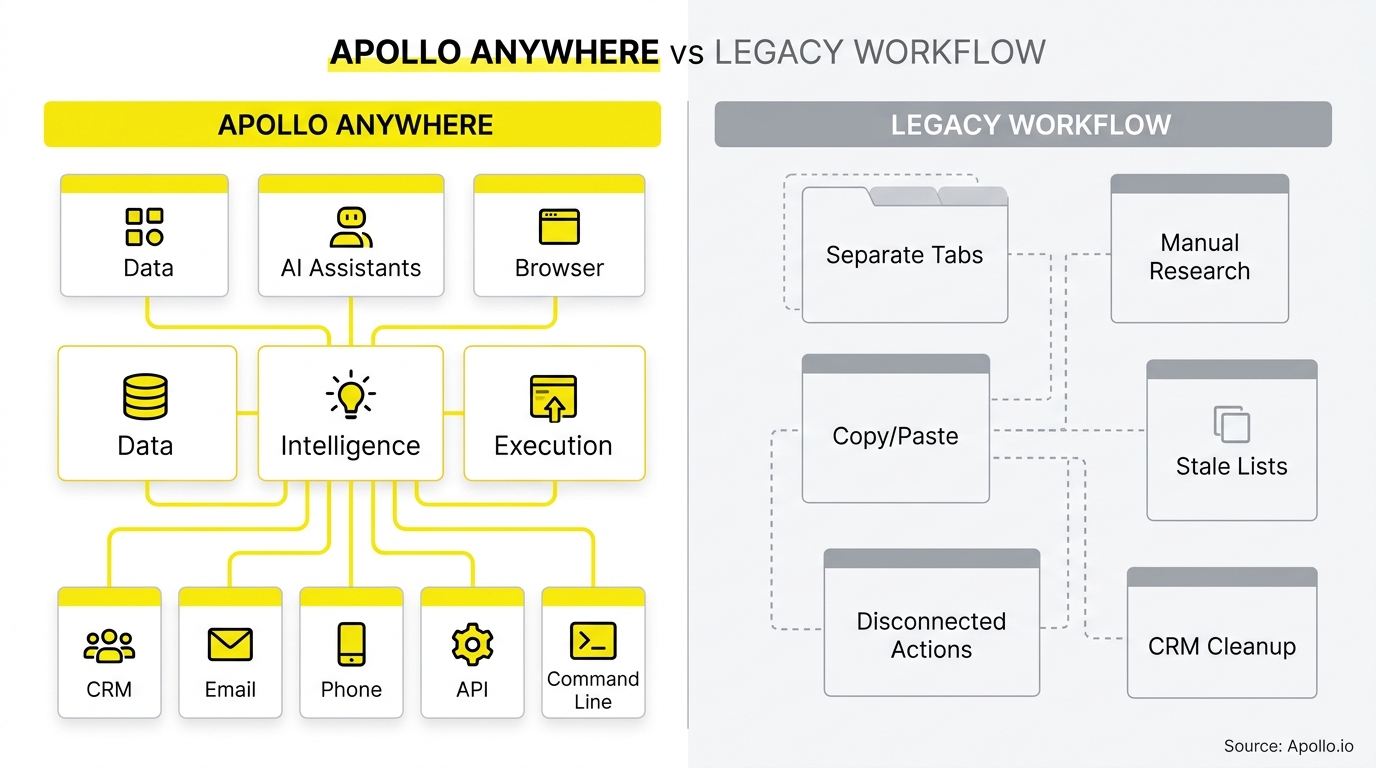
Apollo's B2B prospecting and sales intelligence covers that step. Apollo brings B2B data, sales engagement, and AI-powered execution together in one connected go-to-market system, so teams don't have to stitch together separate vendors for research, outreach, and analysis.
Apollo serves B2B GTM teams, GTM Engineers, and AI Builders building headless GTM workflows with the Apollo API, CLI, and MCP, alongside Sales Professionals, SDRs/BDRs, AEs, RevOps, Marketing, and Revenue Leaders.
"The thing that made me most excited as somebody who's been in sales development a long time was Apollo's integration between sales data and sales engagement and the magic that you can make happen when those two are together on the same platform."
For a HubSpot-based team, the practical pattern is simple: use your visitor signal to pick the accounts, then use Apollo's sales engagement tools to reach the people inside them. Apollo also works inside AI assistants through Apollo MCP, which suits GTM Engineers who want account research in their existing workflow.
"The moment we select someone in our database, they're instantly added to a sequence and we can take action right away. We're effective and efficient with our outreach."
According to Ramp's Sales Data Providers category data, Apollo is the fastest-growing vendor in the category as of November 2026.
Frequently Asked Questions
Does Leadfeeder integrate natively with HubSpot?
Yes. Leadfeeder offers a HubSpot integration that you connect from its integrations settings with admin access on both sides.
Confirm current features and plan requirements on the vendor's pages before you buy.
Why are my Leadfeeder companies not showing in HubSpot?
The usual causes are unmapped fields, filters that exclude the account, and domain mismatches with existing company records. Check the field mapping and your feed filters first, then test with a single known company.
Can a RevOps manager prevent duplicate company records?
Yes. Use company domain as the match key, review how existing records are matched before you sync, and audit a small sample of accounts weekly during the pilot.
Should SDRs act on every Leadfeeder alert?
No. Route only accounts that match your ICP and show repeat or high-intent behavior, such as pricing-page visits. Alerts on every session create noise and erode rep trust.
How do I find contacts at a company Leadfeeder identifies?
Company-level identification usually does not name the individual visitor. Use a prospecting tool to find business contact information for the relevant buyers at that account, then add them to outreach.

Conclusion: How Do You Turn Leadfeeder and HubSpot Signals Into Pipeline?
Connect the integration with clear field mappings, validate it on a small account sample, and route only ICP-fit, high-engagement accounts to reps. Judge it on accepted opportunities, not on how many companies it identifies.
Once an account qualifies, your reps still need the right contacts and a fast way to reach them. To see why Apollo stands alone as the only fully agentic GTM platform, combining sales intelligence, outbound execution, and enrichment in one workspace, Start Prospecting with Apollo today.
Ramp New Reps Faster With Apollo
Onboarding new reps taking too long, with no clear ROI to show for it? Apollo gives every rep one connected workflow from day one, so ramp time shrinks and pipeline impact is easy to prove. Teams actively using Apollo's AI Assistant are up 2,156% since December 2025.
Start Free with Apollo →Don't miss these
Sales
Inbound vs Outbound Marketing: Which Strategy Wins?
Sales
What Is a Sales Funnel? The Non-Linear Revenue Framework for 2026
Sales
What Is a Go-to-Market Strategy? The 2026 GTM Playbook
See Apollo in action
We'd love to show how Apollo can help you sell better.
By submitting this form, you will receive information, tips, and promotions from Apollo. To learn more, see our Privacy Statement.
4.7/5 based on 9,690 reviews
