
You give a recurring AI assistant access to your Apollo sales pipeline in two separate steps: connect the assistant to Apollo, then schedule it to run on its own. Connecting is quick. Making it run every Monday is the real project. Start with the Apollo sales pipeline and a read-only briefing before you allow any deal changes.
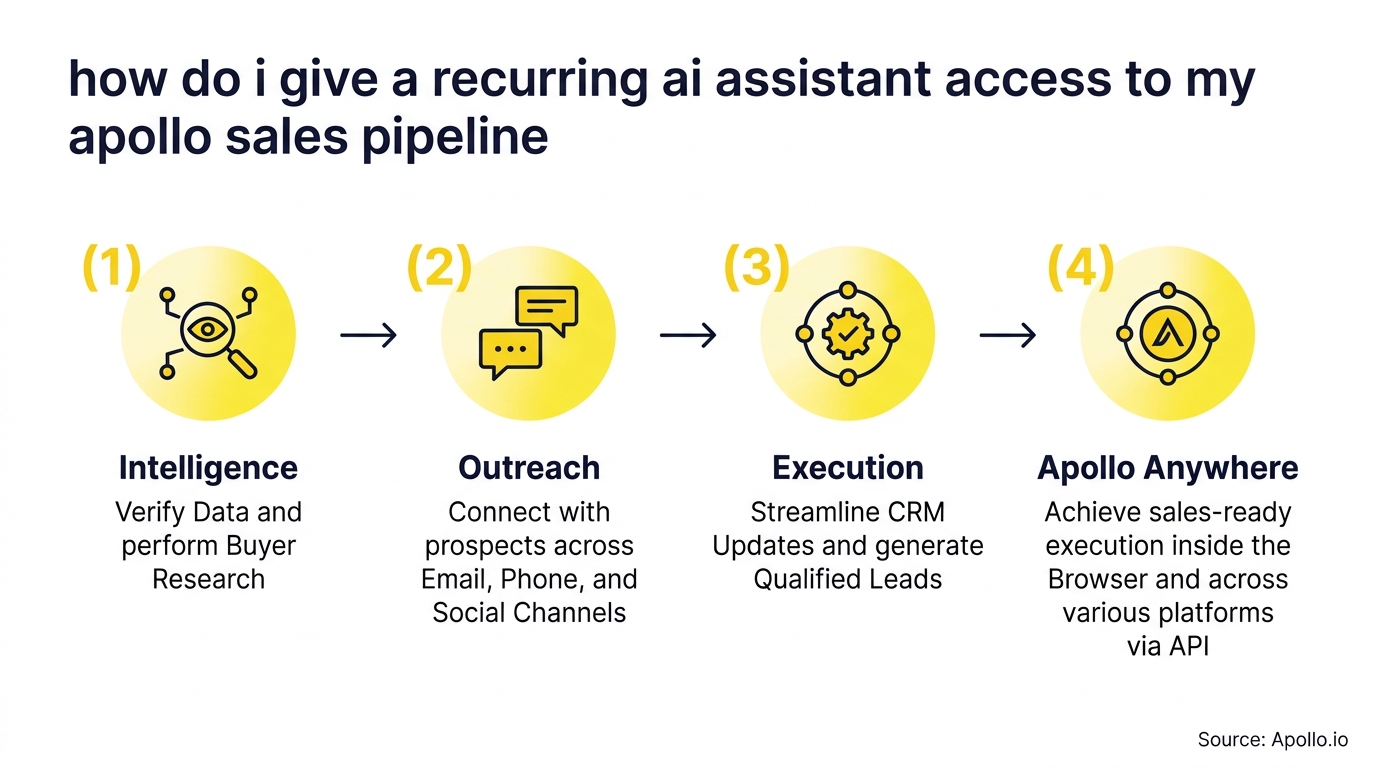

Apollo Finds Verified Contacts In Seconds
Tired of spending hours researching leads and verifying contact info? Apollo puts business emails and phone numbers at your fingertips, so reps spend their day selling. 98% email accuracy means fewer bounces and more conversations. Start free today.
Start Free with Apollo →Key Takeaways
- Use Apollo MCP when you need to pull deal data into ChatGPT, Claude, Perplexity, or Codex without switching tabs.
- Connecting an assistant and scheduling it are two different jobs, so plan both.
- Start read-only. Add deal changes only after the briefing proves accurate.
- Use Apollo MCP when you need a weekly pipeline review that flags stale deals and missing data.
- The assistant inherits the acting user's permissions, so choose that user carefully.
How Do I Give a Recurring AI Assistant Access to My Apollo Sales Pipeline?
Connect an AI assistant to Apollo through Apollo MCP, then run it on a schedule with an external scheduler or an Apollo workflow. Pick your path before you build anything.
- Assistant lives in ChatGPT, Claude, Perplexity, or Codex: connect Apollo through the tool's connectors.
- Custom or terminal-based assistant: use the Apollo API or CLI.
- Needs to run without you: add a scheduler, because a connection alone does not fire on a timer.
Apollo's documentation lists search, create, and view-details actions for deals, with no Apollo credits charged for those deal actions. That is a documented capability, not an automatic recurring run.
Why Give an AI Assistant Recurring Access to Your Pipeline?
A recurring assistant reviews your pipeline automatically so reps spend less time on admin and more time selling. The problem is measurable. ScoutNow reports that the average sales rep spends only 28% of the workweek actively selling, with the other 72% consumed by administrative tasks, research, and CRM data entry.
For SDRs and AEs, a weekly briefing replaces manual pipeline scrubbing. For RevOps and sales leaders, it gives a consistent view of stalled deals.
Position this as automated review, not autonomous selling.
Tired of manual pipeline reviews? Track every deal in Apollo's deal management and give your assistant one source of truth.
How Do I Connect Apollo to My AI Assistant?
Connect Apollo by authorizing it inside your AI tool's connectors or integrations, then confirm it can read your deals. Setup is no-code through OAuth and works on any Apollo plan, including free.
Data and action limits mirror your Apollo account.
- Open the connectors or integrations settings in your AI tool.
- Add Apollo and authorize with the Apollo user who should own the access.
- Ask the assistant to list your open deals as a test.
- Confirm the deal count matches what you see in Apollo.
Prefer a custom build? A developer can generate an API key in Apollo under Settings, then Integrations, then API Keys, per OneCLI's integration docs. Avoid enabling "Set as master key," which agenticfabriq also flags. Keep the key limited to the endpoints you need.
Whose Permissions Does the Assistant Inherit?
The assistant inherits the permissions of the Apollo user who authorized it. Apollo's assistant API documentation notes that restricting an API key to specific endpoints does not restrict the assistant's available actions.
That changes how you set up access. Use a dedicated user with limited permissions rather than a shared admin login. Review what that user can see and edit before you connect anything.
- Create a purpose-built Apollo user for the assistant.
- Grant read access to pipeline data first.
- Document who can revoke the connection.
- Log which user ran each briefing.
This follows the access-control logic in NIST's Generative AI Profile, which identifies risk categories including data privacy and information security.

How Do I Make the Assistant Run on a Schedule?
Make it recurring by adding an orchestration layer, such as a cron job or workflow tool, that triggers the assistant at set times. Persistent memory is not the same as running on a schedule.
| Approach | Best for | Watch for |
|---|---|---|
| Apollo workflows | Event-driven triggers inside Apollo | Triggers, not calendar timers |
| External scheduler plus API | Fixed weekly briefings | Failure handling and rate limits |
| MCP-compatible agent runtime | Developer-built assistants | Key storage and revocation |
For an agent runtime, a developer can provide the APOLLO_API_KEY in the MCP configuration, as described by AgentX. Define when work starts, how failures are retried, and where results are delivered.
What Should a Verifiable Pipeline Briefing Include?
A trustworthy briefing lists deal IDs, a retrieval timestamp, and missing-data warnings so a human can verify it. The goal is a report you can audit, not a summary you must trust blindly.
- Deal ID and stage for every item.
- Retrieved at: timestamp on the whole report.
- Stalled deals: no activity beyond your threshold.
- Missing fields: owner, amount, or close date.
- Verify step: a rep confirms the top five items in Apollo.
Data quality matters before AI recommendations do. Run record validation and freshness checks first, since only 35% of sales professionals completely trusted their organization's data in Salesforce's 2024 survey.
Struggling with stale records? Start free with Apollo's verified business contacts so your briefing runs on clean data.
Apollo Turns Pipeline Guesswork Into Forecasts
Still guessing which deals are real while your forecast keeps slipping? Apollo brings prospecting, engagement, and deal tracking into one workspace, so reps and leaders see what's moving in real time. Start free and build pipeline you can actually call.
Start Free with Apollo →How Do I Troubleshoot, Revoke Access, and Control Costs?
Troubleshoot by checking authorization first, then rate limits, then the schedule trigger. Revoke access by removing the connector or deleting the API key in Apollo.
- No deals returned: re-authorize and confirm the user's pipeline permissions.
- Partial or failed runs: check rate limits and add a retry with a failure alert.
- Revocation: delete the key or disconnect the app, then confirm the next run fails.
- Cost worksheet: track scheduler, model, and maintenance costs separately from Apollo credits.
Keep a dated capability matrix, since products change quickly. In its 2025 forecast, Gartner says 95% of seller research and account-prep workflows will originate from AI systems, up from less than 20% in 2024. Start with one measurable workflow and expand only after it proves reliable.

What Is the Best Way to Start?
Start with one read-only weekly pipeline briefing, verify it by hand for a few cycles, and only then allow deal updates. Apollo now supports assistant memory and approval steps for changes, which makes approval boundaries a natural next layer.
For SDRs, AEs, and RevOps teams, this one workflow replaces recurring manual scrubs while keeping a human in control. Bringing prospecting, pipeline, and execution into one platform also helps consolidate your tech stack. As Collin Stewart of Predictable Revenue put it, "We reduced the complexity of three tools into one."
Ready to build your recurring pipeline briefing? Start Your Free Trial and connect Apollo to your AI assistant today.
Prove Pipeline ROI Fast With Apollo
Struggling to prove ROI while new reps take forever to ramp? Apollo gives your team one workspace for prospecting, outreach, and tracking, so value shows up in weeks, not quarters. Leadium tripled annual revenue by automating follow-up. Start free today.
Start Free with Apollo →Don't miss these
Sales
Inbound vs Outbound Marketing: Which Strategy Wins?
Sales
What Is a Sales Funnel? The Non-Linear Revenue Framework for 2026
Sales
What Is a Go-to-Market Strategy? The 2026 GTM Playbook
See Apollo in action
We'd love to show how Apollo can help you sell better.
By submitting this form, you will receive information, tips, and promotions from Apollo. To learn more, see our Privacy Statement.
4.7/5 based on 9,690 reviews
