
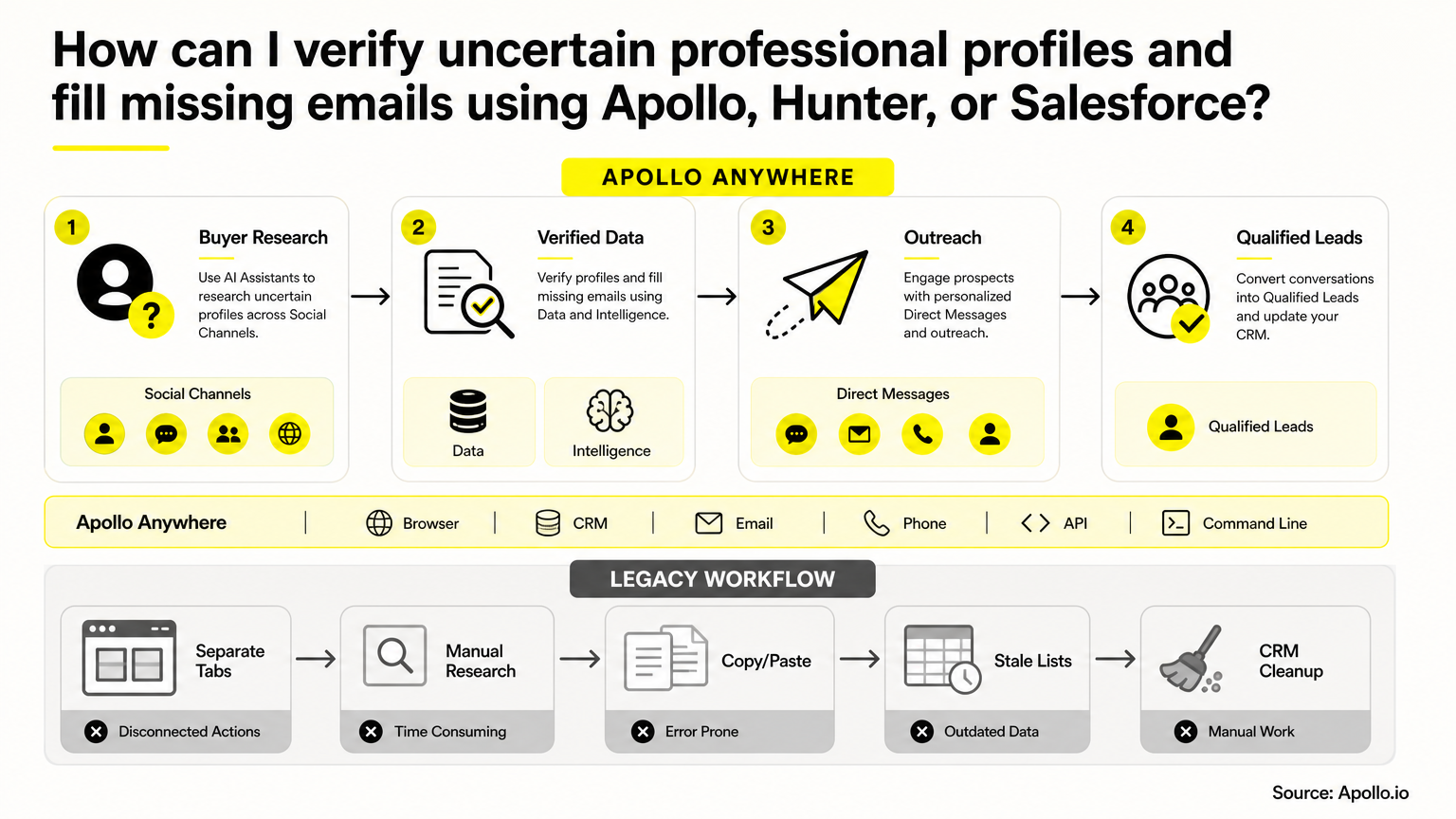
To verify an uncertain professional profiles and fill a missing email, confirm the person's identity first, confirm their current employer second, then enrich and verify the email, and only then update Salesforce. Skipping a step is how bounced emails and duplicate records get into your CRM. This playbook walks through each checkpoint, plus a decision tree for the messy cases. Need the underlying mechanics? See our guide to verifying email addresses for B2B sales.

Skip Manual Research. Apollo Finds Contacts.
Tired of burning hours researching leads and verifying contact info by hand? Apollo puts verified business contacts in front of you in minutes, with 98% email accuracy. Spend your day selling, not copying data into spreadsheets.
Start Free with Apollo →Key Takeaways
- Treat identity, employer, and mailbox as three separate checks. One "verified" label never covers all three.
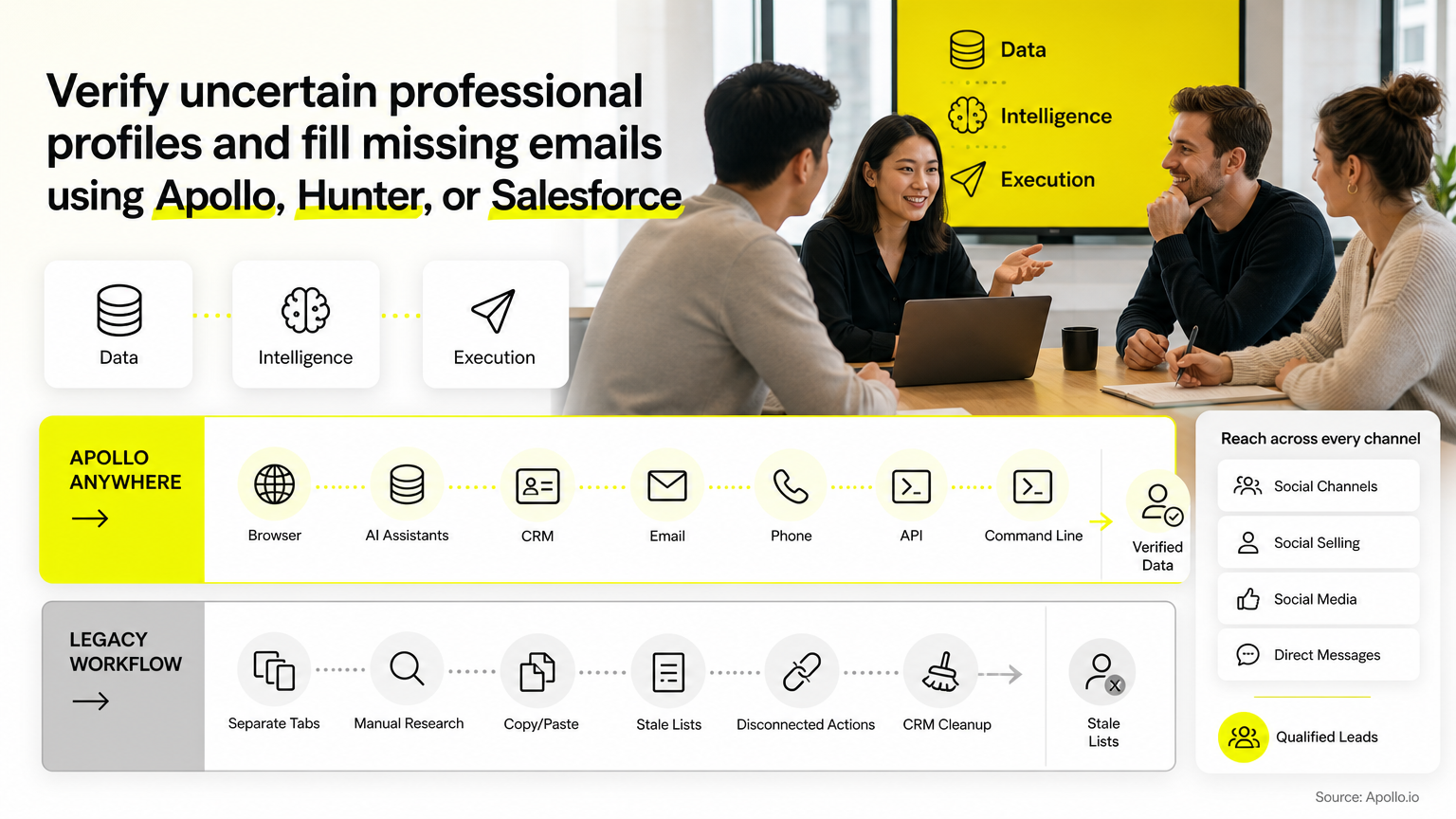
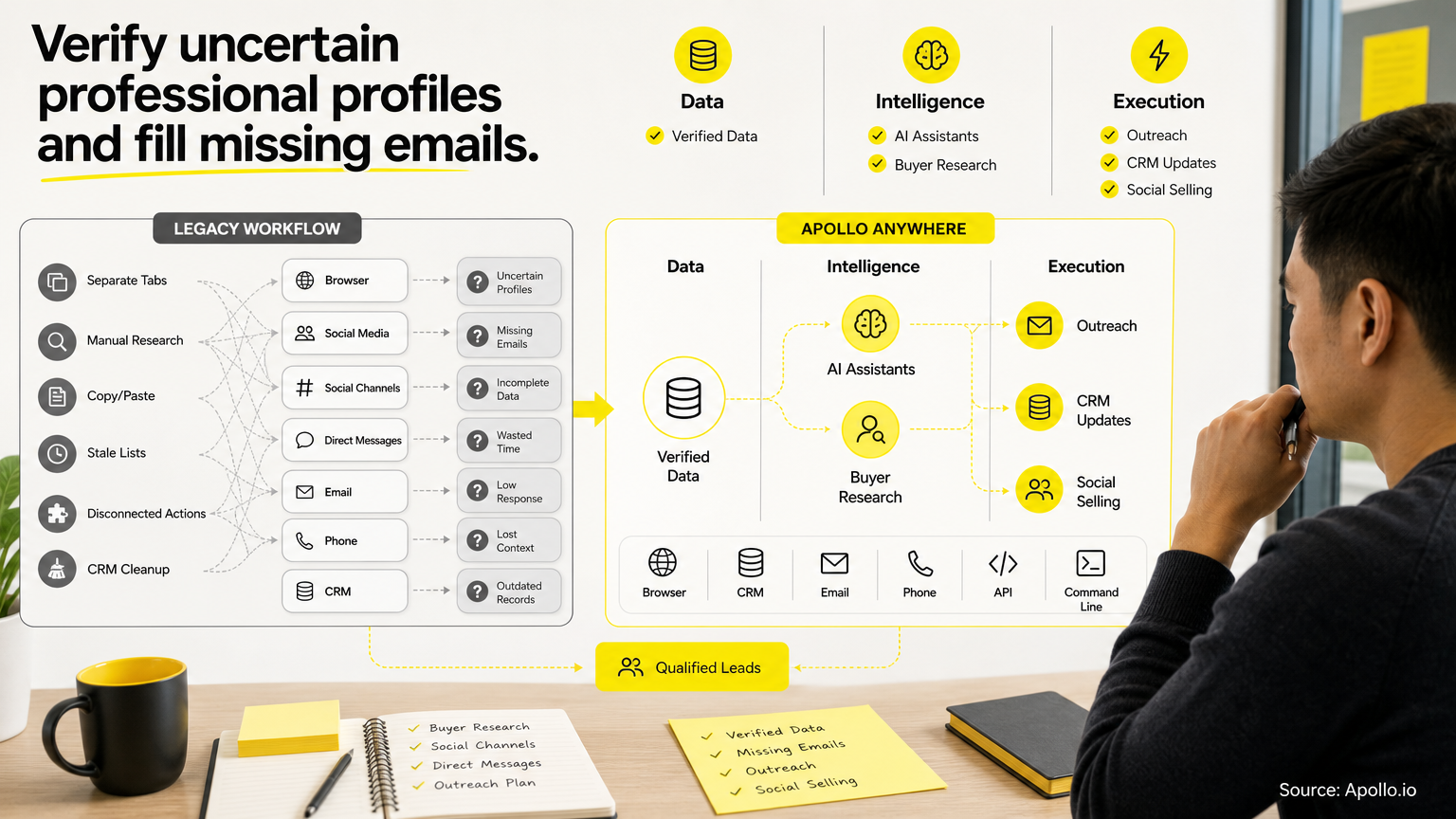
- Use Apollo MCP when you need to enrich a shortlist of uncertain professional profiles and verify emails inside ChatGPT, Claude, Perplexity, or Codex without switching tabs.
- When two tools return different emails, stop and review instead of letting the newest result overwrite the CRM.
- Store the source, check date, and suppression status in Salesforce so reps can trust every field.
- Honor opt-outs even when enrichment surfaces a new address for the same person.
What Does It Mean to Verify an Uncertain professional profiles?
Verifying an uncertain professional profiles means confirming that the profile belongs to the person you intend to contact and that it reflects their current role. Identity, employment, and email deliverability are three separate questions.
A profile can look credible and still be outdated. Employees change jobs constantly. BLS reported 39.198 million U.S. quits during 2024, which is why an employer-freshness check belongs before any email search. That figure counts quit events, not unique people, and it is not a professional networks error rate.
professional networks now helps with the identity signal. It reported 115 million-plus verified members and began testing peer-backed verification of work and education histories.
A verified badge still says nothing about whether an email address will deliver.
How Do You Decide Which Verification Path to Take?
Start with what is uncertain, then follow the matching path. The table below maps the four common situations to a first action and a stop condition.
| Situation | First Action | Stop Condition |
|---|---|---|
| Identity unresolved (same-name profiles) | Match name, title, company domain, and location | Two or more candidates still fit |
| Employer stale | Check current company page and recent activity | No evidence of current role |
| Email missing | Enrich by name plus confirmed company domain | No result from any source |
| Mailbox uncertain | Check verification status and accept-all flag | Status is risky or unknown |
A stop condition means a human reviews the record. It does not enter a sequence until someone clears it.
How Can SDRs Resolve Same-Name Profiles Before Enrichment?
SDRs resolve same-name profiles by matching at least three independent signals: company domain, job title, and location or tenure. A single matching signal is not enough to enrich.
Run this short worked case. You find two "Jordan Lee" profiles, one in sales at a software company and one in operations at a logistics firm.
Your CRM account is the software company. Match the company domain, confirm the title against the org chart or company site, and discard the second profile.
If both profiles plausibly fit, stop and route the record to review.
Struggling to find the right person among lookalikes? Search Apollo's 240M+ contacts with 65+ filters to narrow by title, company, and location before you enrich.
How Do You Check Whether Someone Changed Jobs?
Check a job change by comparing the profile's current company against the company's own team page, recent press, and the person's latest activity. If the sources disagree, treat the employer as unconfirmed.
Data goes stale quickly. According to Shipyard GTM, B2B contact data decays at 2.1% per month, compounding to 22.5% to 30% annually. Field-level elements such as job titles and corporate emails can degrade faster, which is why you should recheck employer before searching for an email.
Worked case: a prospect's profile still lists your target account, but the company's team page no longer shows them. Do not enrich against the old domain.
Flag the record as employer-unconfirmed and find the new company first.
See Every Deal Clearly With Apollo
Forecasts feel like guesswork because deal data is stale and every rep stages differently? Apollo brings prospecting, engagement, and deal activity into one connected workspace, so you see what's moving and what's stalled. Teams actively using Apollo's AI Assistant are up 2,156% since December 2025.
Start Free with Apollo →How Can You Fill Missing Emails with Apollo, Hunter, and Salesforce?
Fill missing emails by running enrichment against a confirmed name and company domain, then reading the verification status before you accept the result. Apollo, Hunter, and Salesforce each play a different role in the workflow.
- Apollo: Enriches contacts and uses waterfall enrichment, checking Apollo data first and then selected third-party providers. Apollo reported roughly 5% more email coverage and 45% fewer email bounces from this change. Those are vendor-reported results, not an independent benchmark.
- Hunter: Finds and verifies addresses and distinguishes publicly found emails from inferred ones, with confidence and source information.
- Salesforce: The system of record. It should receive only reviewed data, with the source and check date attached.
Tired of dirty data and manual lookups? Start free with Apollo's 240M+ verified business contacts.
To run this without leaving your AI tool, Apollo MCP lets you search, enrich, and verify contacts from a single conversation in ChatGPT, Claude, Perplexity, or Codex. Setup is no-code through the tool's connectors, and your Apollo account limits apply.
What Should You Do When Apollo and Hunter Disagree?
When Apollo and Hunter return different emails for the same person, do not auto-pick one. Compare the source, the verification status, and the match to your confirmed company domain, then escalate if they still conflict.
| Check | Accept If | Hold If |
|---|---|---|
| Domain | Matches the confirmed employer | Points to an old or unrelated company |
| Source | Publicly found or recently verified | Inferred with low confidence |
| Status | Valid | Risky, unknown, or accept-all |
If both addresses pass, keep the more recently verified one and log the other as an alternate. If both fail, leave the field empty and mark the record for manual research.
An empty field is safer than a bad one.
How Should RevOps Handle Accept-All Emails and Safe Salesforce Updates?
RevOps should treat accept-all emails as unconfirmed, keep them out of automated sequences until reviewed, and write to Salesforce only through a governed field map. Accept-all domains accept any address, so a "valid" result does not prove the mailbox exists.
Only 35% of sales professionals completely trust the data in their CRM, so protect that trust with a clear field map:
| Salesforce Field | Purpose |
|---|---|
| Enrichment Source | Which tool supplied the value |
| Last Checked Date | When identity and email were verified |
| Identity Status | Confirmed, unconfirmed, or conflicting |
| Mailbox Status | Valid, accept-all, risky, or unknown |
| Suppression Flag | Opt-out or do-not-contact status |
| Overwrite Approval | Whether a reviewer cleared the change |
Never overwrite a suppressed contact. The FTC's CAN-SPAM guidance requires honoring opt-out requests within 10 business days and applies to B2B email too, so a newly found address does not erase an existing opt-out. For dedupe and sync setup, see how to connect Salesforce and Apollo.
How Do You Keep Verification Fast Without Losing Accuracy?
Keep verification fast by consolidating steps into one workflow and reviewing only the exceptions. Salesforce found that 53% of sales teams that had fully implemented AI first consolidated their technology stack, an association rather than proof of cause.
Predictable Revenue described the benefit in a customer story: "We reduced the complexity of three tools into one." Read the full account in the Predictable Revenue case study.
Run clear cases automatically and send only conflicts to a person. Sales reps can spend 60% to 72% of the week on non-selling work, so exception-only review protects selling time.
What Should You Do Next?
Build the checkpoint order into a repeatable routine: identity, employer, email, then CRM governance. Test it on a small sample, measure bounces and manual-review time, and refine before scaling.
To see why Apollo stands alone as the only fully agentic GTM platform, combining sales intelligence, outbound execution, and enrichment in one workspace, schedule a demo and start free with Apollo today.
Prove Apollo's ROI Before Renewal Season
Budget approval stuck because nobody can quantify time saved or pipeline impact? Apollo brings prospecting, engagement, and deal activity into one workspace, so wins show up fast. Built-In saw +10% win rate and +10% ACV.
Start Free with Apollo →Don't miss these
Sales
Inbound vs Outbound Marketing: Which Strategy Wins?
Sales
What Is a Sales Funnel? The Non-Linear Revenue Framework for 2026
Sales
What Is a Go-to-Market Strategy? The 2026 GTM Playbook
See Apollo in action
We'd love to show how Apollo can help you sell better.
By submitting this form, you will receive information, tips, and promotions from Apollo. To learn more, see our Privacy Statement.
4.7/5 based on 9,690 reviews
