
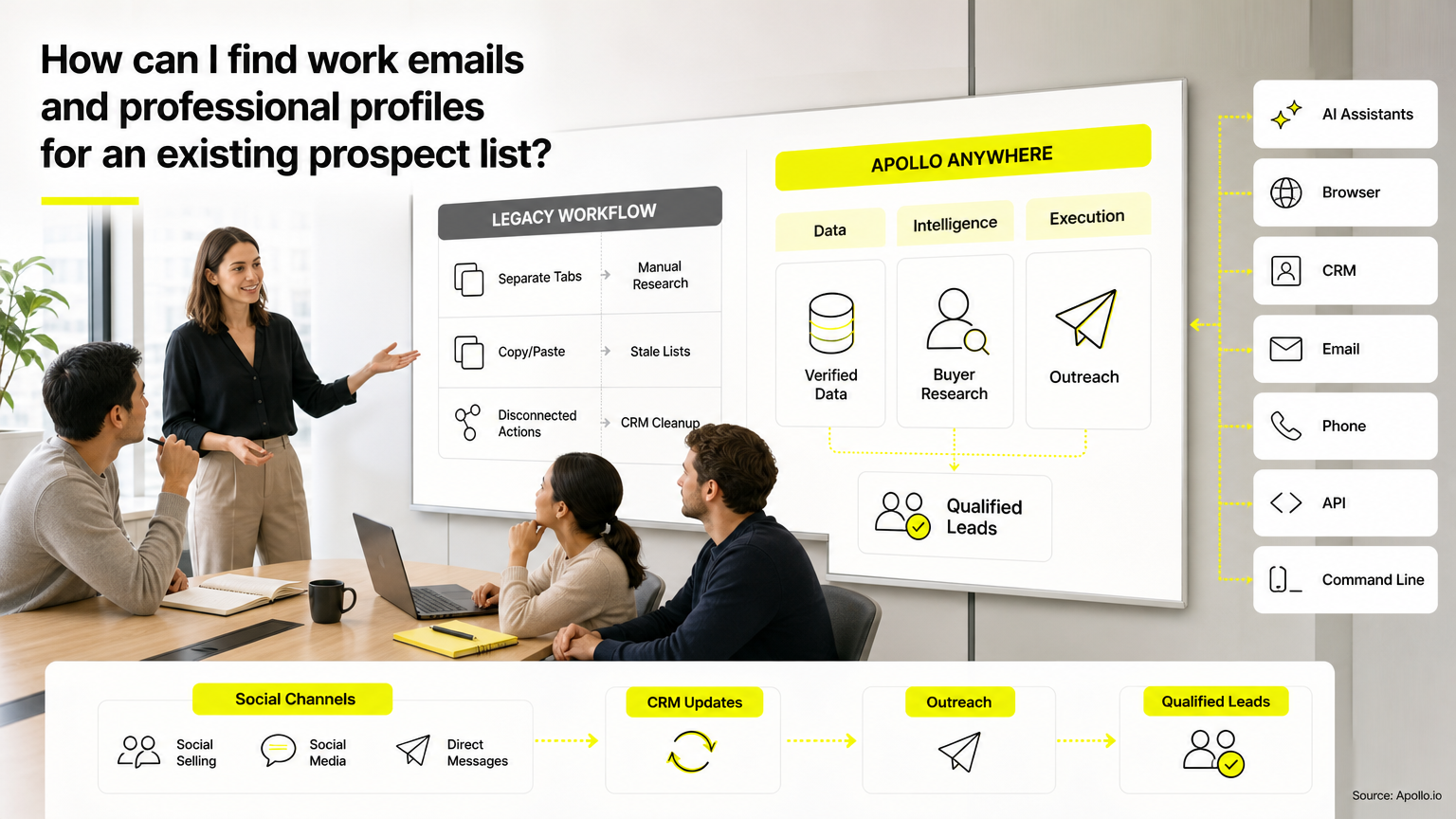
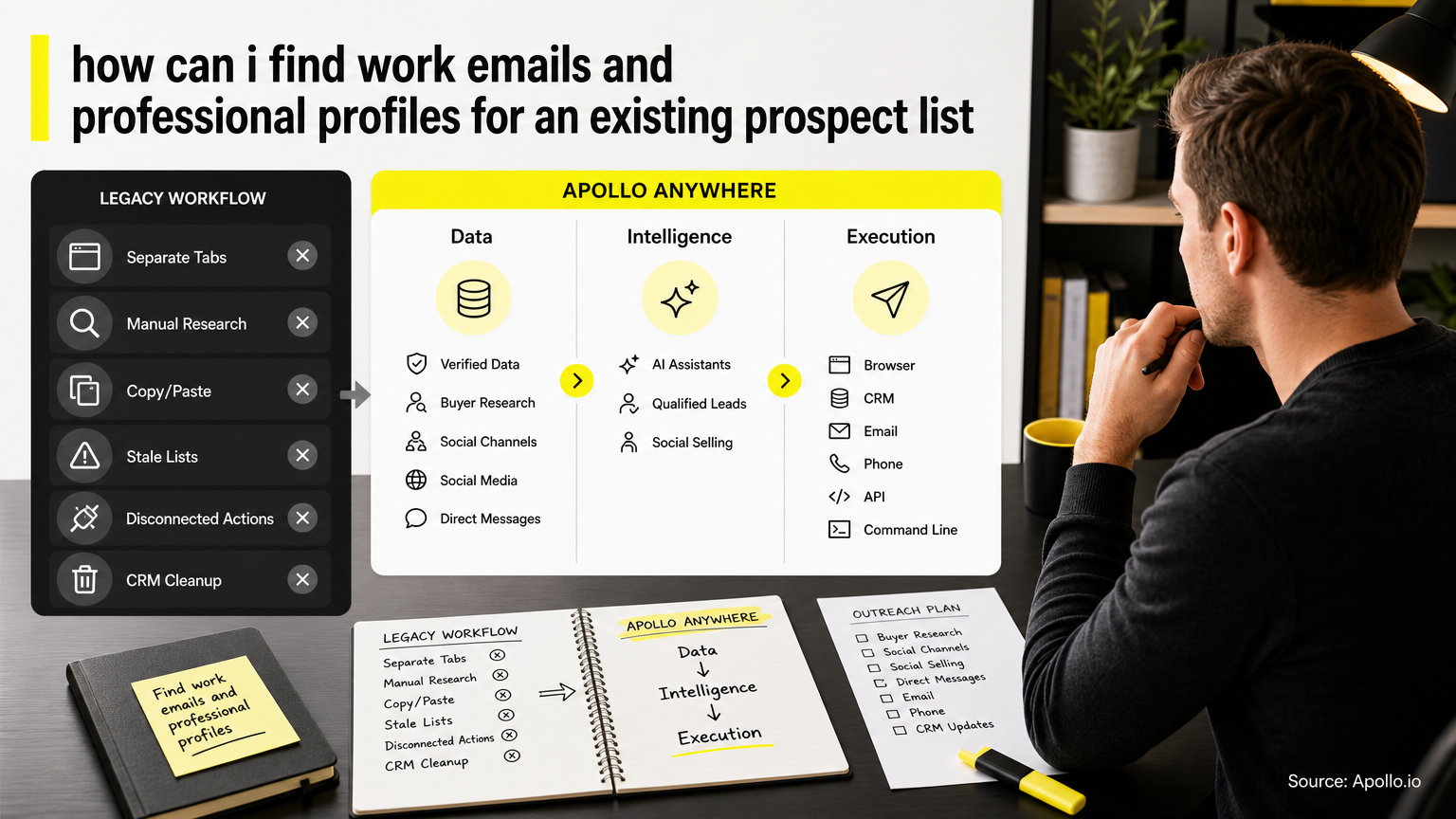
To find work emails and professional profiles for an existing prospect list, upload your CSV to an enrichment tool, match each record on name plus company domain, and verify both fields before import. The match rate depends on what's already in your file. Our prospecting list guide covers how to build the list itself.
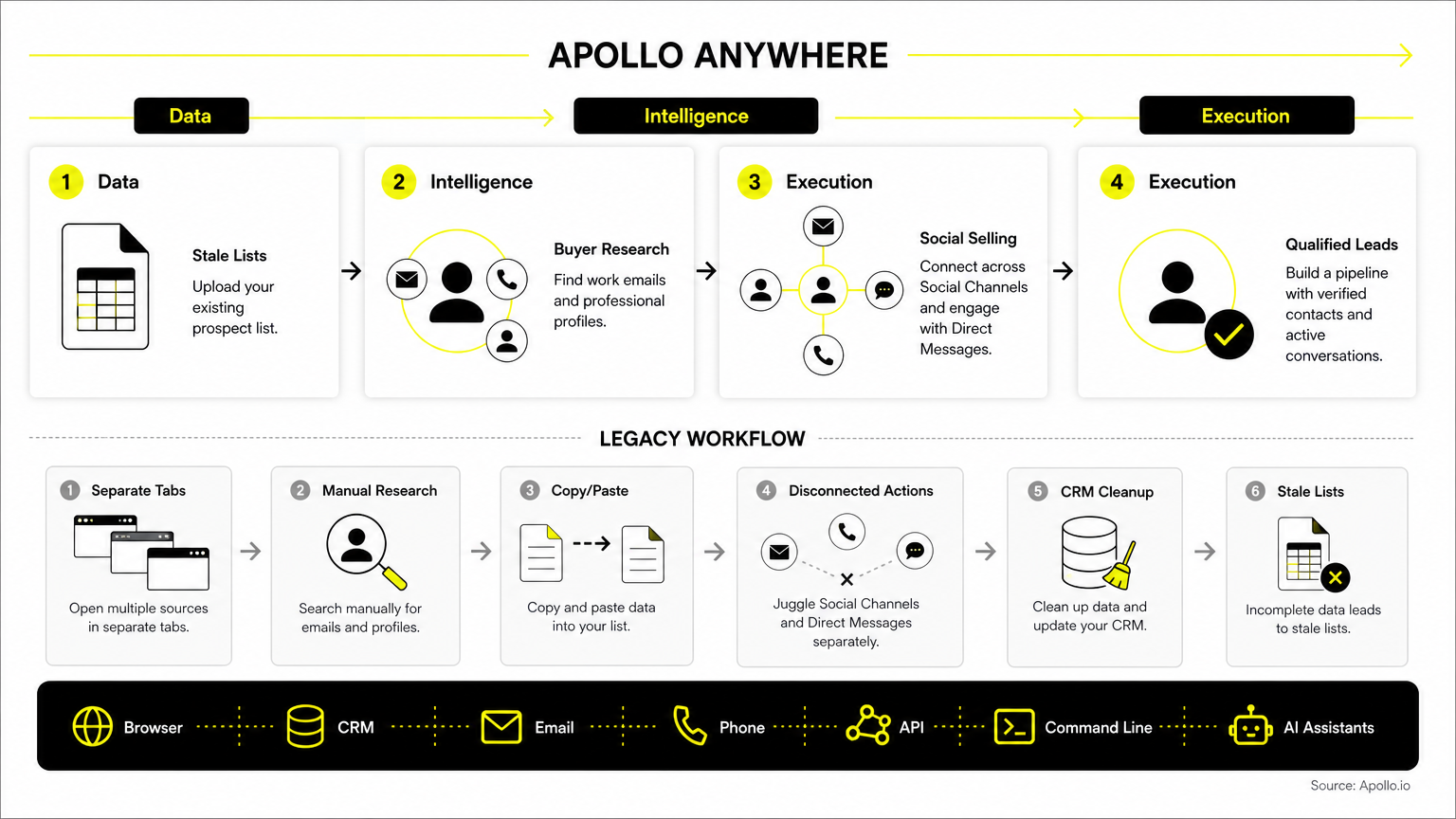

Skip Manual Research, Apollo Finds Contacts
Tired of burning hours researching leads and verifying emails by hand? Apollo puts 98% email accuracy and 240M+ business contacts in one place, so reps spend their day selling. Start accelerating your pipeline today.
Start Free with Apollo →Key Takeaways
- Company domain plus full name is the strongest input pair for matching one person to one email and one professional profiles.
- Use Apollo MCP when you need to enrich a prospect CSV with work emails and professional networks URLs from inside ChatGPT, Claude, Perplexity, or Codex without switching tabs.
- A populated email field is not a verified one. Check employer, role, and email status as separate columns.
- Judge enrichment tools by cost per correctly matched record, not emails found.
- Review ambiguous matches and missing profiles by hand before importing to your CRM.
What Inputs Do You Need to Enrich an Existing Prospect List?
You need at least a first name, last name, and either a company domain or company name. Domain beats company name because it removes ambiguity between similarly named employers.
| What you have | Best approach |
|---|---|
| Name + company domain | Bulk enrich for email and professional networks URL |
| Name + company name only | Resolve domains first, then enrich |
| professional networks URL only | Enrich for email, then confirm employer |
| Email only | Enrich for professional networks URL and current title |
Set up your CSV with these columns: record ID, first name, last name, company, domain, email URL, email status, match status, and source. The status and source columns make later review fast.
How Do You Find Work Emails and professional profiles in Bulk?
Run the prepare, enrich, validate, review, and export steps in order. Skipping validation is where most bad imports start.
- Prepare: Remove duplicates, fix name casing, and add domains.
- Enrich: Upload the CSV and map name, company, and domain fields.
- Validate: Keep only emails marked verified; flag catch-all and unknown results.
- Review: Check ambiguous matches against title and employer.
- Export: Import with a suppression list applied.
Struggling to find qualified contacts for a list you already own? Enrich your CSV with Apollo to append business emails and profile URLs in one pass.
How Can SDRs Run This Inside ChatGPT, Claude, Perplexity, or Codex?
SDRs can connect Apollo MCP to ChatGPT, Claude, Perplexity, or Codex and ask for enrichment in plain language. Setup is no-code: authorize Apollo through the AI tool's connectors with OAuth, and it works on any Apollo plan, including free.
From one conversation, an SDR can paste a list of names and companies, ask for matching work emails and professional networks URLs, then add the verified contacts to a sequence. Your best prospecting session shouldn't require opening a new tab.
Data and action limits follow your Apollo account.
Turn Forecast Guesswork Into Pipeline Clarity
Forecasts feeling like a coin flip because the data is stale and the funnel is thin? Apollo fills your top of funnel with verified business contacts at 98% email accuracy. Start building pipeline you can actually see and trust.
Start Free with Apollo →What Happens When Two Prospects Share a Common Name?
Treat any match where name, company, and title don't all agree as unresolved until you confirm it. A search for "Michael Chen" at a large company can return several people with the same name.
Compare the returned title and location against what's in your list. If the list says "VP Sales" and the match says "Software Engineer," reject it.
For missing profiles, leave the professional networks field blank rather than guess. Not every prospect has a discoverable profile, so keep the email record and note the gap.
How Do You Confirm an Email Is Safe to Send To?
An email is safe to send only after verification returns a valid status and the employer is confirmed as current. Treat these as two separate checks.
People change jobs often, which is why employer checks matter. According to ScaleList, the underlying tenure data comes from the U.S. Bureau of Labor Statistics Job Tenure Survey, and Serghei Pogor notes that in high-turnover sectors like B2B tech and software sales, median tenure drops to 2.5 to 3.3 years. Shorter tenure means role-based emails and professional networks URLs go stale faster.
Handle catch-all results separately: send them in a small test batch before scaling.
Which Enrichment Approach Gives the Best Cost per Matched Record?
The best approach is the one with the lowest cost per record that has a verified email and a confirmed professional networks URL. Vendors often report emails found, which hides misses and unverified results.
Multi-source waterfall enrichment has become common. Unify GTM benchmarks this approach against single-source lookups, and Apollo now applies waterfall enrichment by default across saved contacts, CSV imports, workflows, and the API.
Benchmark before you commit: take 100 records, run each tool, and count records with both a verified email and a correct profile. Disclose the sample size and sourcing, since 100 records is a directional test, not a market-wide result.
Spending hours stitching data tools together? Start free with Apollo and keep prospecting, enrichment, and outreach in one workspace. As Collin Stewart of Predictable Revenue put it, "We reduced the complexity of three tools into one."
What Should RevOps Check Before Importing Enriched Data?
RevOps should check suppression lists, duplicates, and field mapping before any import. Skipping these steps can send mail to opted-out contacts or overwrite good CRM data.
- Apply your unsubscribe and do-not-contact lists first.
- Dedupe against existing CRM records on email and professional networks URL.
- Preserve existing values when enrichment returns blanks.
- Keep source and verification date columns for audits.
Set a refresh date too. Lists decay, so re-verify records on a schedule rather than treating enrichment as one-time work.
What Are the Most Common Questions About Enriching a Prospect CSV?
What Is the Minimum Input to Find a Work Email?
A full name plus a company domain is the minimum for reliable matching. A company name alone works but produces more mismatches.
What Should You Do With Prospects Who Have No professional profiles?
Keep the verified email, leave the profile field blank, and tag the record for email-only outreach.
Are Catch-All Emails Safe to Use?
Catch-all domains accept all mail, so verification can't confirm the mailbox exists. Test in small batches and watch bounce rates.
How Do You Measure Enrichment Cost?
Divide total spend by records with a verified email and correct profile, not by emails returned.
How Do You Turn an Enriched List Into Pipeline?
Import only verified, confirmed records, then start outreach in small batches. Clean data protects sender reputation and keeps reps focused on real prospects.
You already own the list. Finish the job: match each prospect to one verified work email and one confirmed profile, review the edge cases, and import with suppression applied. Ready to enrich your list? Get Leads Now.
Prove Pipeline ROI Faster With Apollo
Budget review coming and can't quantify what your prospecting stack delivers? Apollo puts 240M+ people and 98% email accuracy in one workspace, so wins show up fast. Leadium tripled annual revenue by automating follow-up. Start free and show results sooner.
Start Free with Apollo →Don't miss these
Sales
Inbound vs Outbound Marketing: Which Strategy Wins?
Sales
What Is a Sales Funnel? The Non-Linear Revenue Framework for 2026
Sales
What Is a Go-to-Market Strategy? The 2026 GTM Playbook
See Apollo in action
We'd love to show how Apollo can help you sell better.
By submitting this form, you will receive information, tips, and promotions from Apollo. To learn more, see our Privacy Statement.
4.7/5 based on 9,690 reviews
