
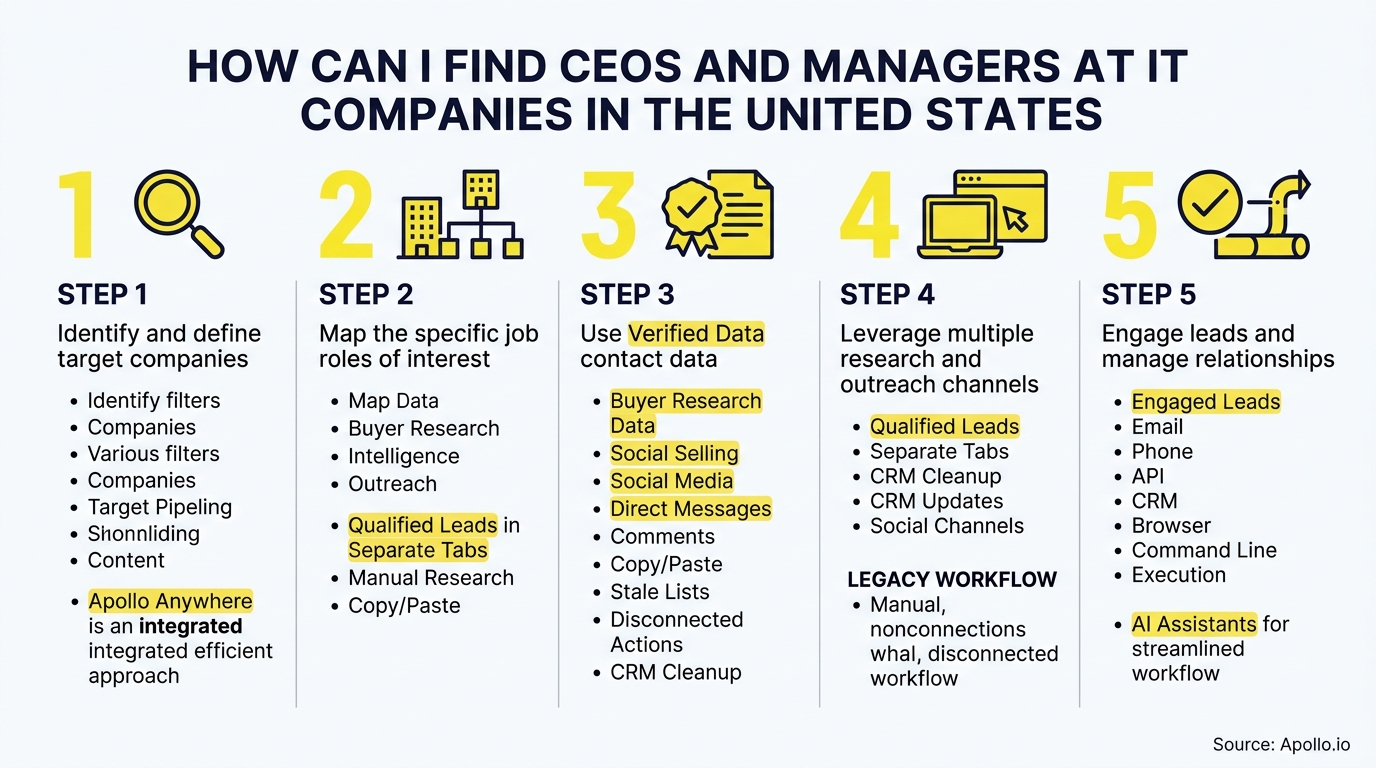
To find CEOs and managers at U.S. IT companies, follow five steps: qualify the companies, choose the roles, find the names, verify current employment, and pick a public business contact route. Static executive lists go stale fast, so a repeatable workflow beats a one-time download. If you already know the company, start with how to find a manager's email and work backward from there.

Skip Manual Research. Apollo Finds Contacts.
Tired of hours lost researching leads and verifying contact info? Apollo puts business contact info for decision-makers at your fingertips, with 98% email accuracy. Spend your day selling, not copy-pasting.
Start Free with Apollo →Key Takeaways
- Start with the account, not the person. Company fit decides whether a name is worth chasing.
- The CEO is rarely the only stakeholder. Map the sponsor, the technical evaluator, and the operational owner.
- Verify every name against a second source before you reach out. Job changes are constant in tech.
- Use Apollo MCP when you need to search for IT-company CEOs and managers, enrich them, and queue outreach inside ChatGPT, Claude, Perplexity, or Codex without switching tabs.
- Relevance beats volume. Fewer, better-matched contacts outperform a long, generic list.
What Is the Fastest Way to Find CEOs and Managers at U.S. IT Companies?
The fastest way is an account-first workflow: define the companies, pick the roles, find named people, verify them, then choose a business contact route. Skipping straight to people search produces lists full of mismatched titles.
- Qualify companies. Filter by industry, headquarters, and headcount.
- Choose roles. Decide which titles map to the buying team.
- Find names. Use company sites, filings, and professional networks.
- Verify employment. Confirm the person still holds the role.
- Select a business contact route. Use public, work-related channels only.
Struggling to find qualified leads? Search Apollo's 240M+ contacts with 65+ filters to run steps one through three in one workspace.
How Do You Qualify IT Companies Before Searching for People?
You qualify IT companies by industry code, location, and size before you look for any individual. This keeps you from confusing managers at IT companies with IT managers at companies in every other industry.
The U.S. Bureau of Labor Statistics counted 132,610 computer and information systems managers and 87,170 general and operations managers in computer systems design and related services in May 2024.
Those figures describe employment in one industry, not the number of companies, CEOs, or reachable contacts. Use the Census County Business Patterns dataset to size segments by NAICS code, geography, and employee range.
It helps you prioritize where to look. It is not a named executive directory.
| Filter | What It Narrows | Example |
|---|---|---|
| Industry | Type of IT business | Computer systems design, software publishing |
| Headquarters | U.S.-based companies | Texas, California, Virginia |
| Headcount | Company size band | 50-200 employees |
Which Roles Should You Target at an IT Company?
Target the CEO as the executive sponsor, then add the functional managers who evaluate and run the solution. Targeting only the top title can leave you without a champion.
According to Gartner, B2B buying groups span 5 to 16 people across as many as four functions, so one contact rarely decides alone. Build a simple map of who plays which part.
- Economic buyer: CEO, COO, or CFO at smaller firms.
- Technical evaluator: CTO, VP Engineering, or IT director.
- Operational owner: Operations or department managers who live with the tool daily.
How Do SDRs Decide Between the CEO and a Manager?
SDRs should lead with the manager who owns the problem and use the CEO as a secondary, executive-level touch at small companies. At firms under roughly 50 employees the CEO often is the buyer.
At larger firms, a department manager usually opens the door.
How Do You Find Current Names at Private IT Firms?
Find names at private IT firms by combining company-site searches, professional networks, and press mentions, then cross-checking them. Private companies publish less, so you assemble the picture from several public sources.
Copy these searches and swap in the company domain:
site:companydomain.com leadershipsite:companydomain.com "our team""Company Name" CEO"Company Name" "VP of Engineering"
For publicly traded firms, SEC filings such as proxy statements and annual reports list executive officers by name. Private firms rarely file, so lean on the company site and recent press releases.
Account Executives who want more than a title can pair these searches with a structured prospecting process to keep research consistent.

How Do You Verify That a CEO or Manager Still Holds the Role?
Verify by matching the person across at least two independent, recent sources, such as the company site and a professional profile. Tech roles change constantly, so an unverified name is a liability.
Landbase reports that for fast-churn fields like email addresses, monthly decay can reach 3.6%, or over 35% annually, due to layoffs, job changes, and company restructurings in the tech sector. That is why a recheck belongs in every workflow.
| Check | What to Confirm |
|---|---|
| Company site | Name and title appear on the team or leadership page |
| Professional profile | Current employer and start date match |
| Recent press | Quoted in a release or news item with the same title |
Save target accounts and watch for role-change alerts. professional networks's September 2026 sales intelligence tools release added Microsoft Teams alerts for new hires, promotions, and job changes, and professional networks reports its beta alerts were 3x more likely to prompt action. That result is vendor-reported, so treat it as a prompt to recheck, not proof of intent.
Get Pipeline You Can Actually Forecast
Forecasts feel like a coin flip because the top of your funnel is thin and the data is stale? Apollo fills it with quality leads from 240M+ contacts, so you see real pipeline, not guesses. Know where every deal stands and hit quota with confidence.
Start Free with Apollo →How Do You Choose a Business Contact Route?
Choose a public, work-related route: a company contact form, a business email, or a professional-network message. Match the channel to the role and keep the outreach relevant.
Relevance is the deciding factor. Gartner's June 2025 release found that 73% of B2B buyers actively avoid suppliers who send irrelevant outreach.
Pair every contact with a reason tied to their company and role.
Spending hours on manual lookups? Enrich contacts with verified business emails and phone numbers in Apollo, then verify names against the sources above.
Can You Run This Workflow Inside ChatGPT, Claude, Perplexity, or Codex?
Yes. Apollo MCP lets you search for people and companies that match your criteria, enrich contacts, and add prospects to sequences from inside ChatGPT, Claude, Perplexity, or Codex. Your best prospecting session shouldn't require opening a new tab.
Setup is no-code: connect Apollo through your AI tool's connectors using OAuth on any plan, including free. Data and action limits mirror your Apollo account.
Developers who prefer the terminal can use the Apollo command-line interface (CLI) instead.
How Do RevOps Teams Keep This Data Clean?
RevOps teams keep it clean by scheduling a re-verification pass on a fixed cadence and syncing updates to the CRM. A single source of truth reduces duplicate records and stale titles across systems.
Should You Use Free Research or a Paid Database?
Use free research to learn the process and cover a small account list, then move to a database once volume makes manual work the bottleneck. The tradeoff is time versus coverage.
A HubSpot State of Sales report notes that sales representatives spend over 11 hours per week on non-selling research and contact verification alone. Consolidating search, enrichment, and outreach into one workspace cuts that overhead. As Collin Stewart of Predictable Revenue put it, "We reduced the complexity of three tools into one."
| Approach | Best For | Limitation |
|---|---|---|
| Free manual research | Small target lists, learning the workflow | Slow, hard to keep current |
| Database with enrichment | Repeatable outbound at scale | Still needs spot-checks on key accounts |
What Are the Limits of Government and Public Data?
Government data sizes markets but does not list named executives or contact details. Use it to choose segments, then switch to company and professional sources for people.
| Source | Good For | Not Good For |
|---|---|---|
| BLS employment data | Role and industry size estimates | Named people or company lists |
| Census County Business Patterns | Segmenting by NAICS and geography | Executive names or emails |
| SEC filings | Executive officers at public firms | Private companies |
| Company websites | Current leadership and team pages | Complete manager coverage |

How Should You Start Finding IT Executives Today?
Pick ten U.S. IT companies that fit your ICP, map three roles at each, and verify every name before outreach. Run the workflow manually once, then automate the repeatable parts.
Ready to cut the research time? Start Your Free Trial and find verified CEOs and managers at U.S. IT companies in one workspace.
Prove Pipeline ROI Fast With Apollo
Budget approval stuck on unclear ROI and slow time-to-value? Apollo puts business contact info, outreach, and pipeline tracking in one workspace so you see impact fast. Built-In saw +10% win rate and +10% ACV.
Start Free with Apollo →Don't miss these
Sales
Inbound vs Outbound Marketing: Which Strategy Wins?
Sales
What Is a Sales Funnel? The Non-Linear Revenue Framework for 2026
Sales
What Is a Go-to-Market Strategy? The 2026 GTM Playbook
See Apollo in action
We'd love to show how Apollo can help you sell better.
By submitting this form, you will receive information, tips, and promotions from Apollo. To learn more, see our Privacy Statement.
4.7/5 based on 9,690 reviews
