
Apollo Plan Details: What You're Really Paying For
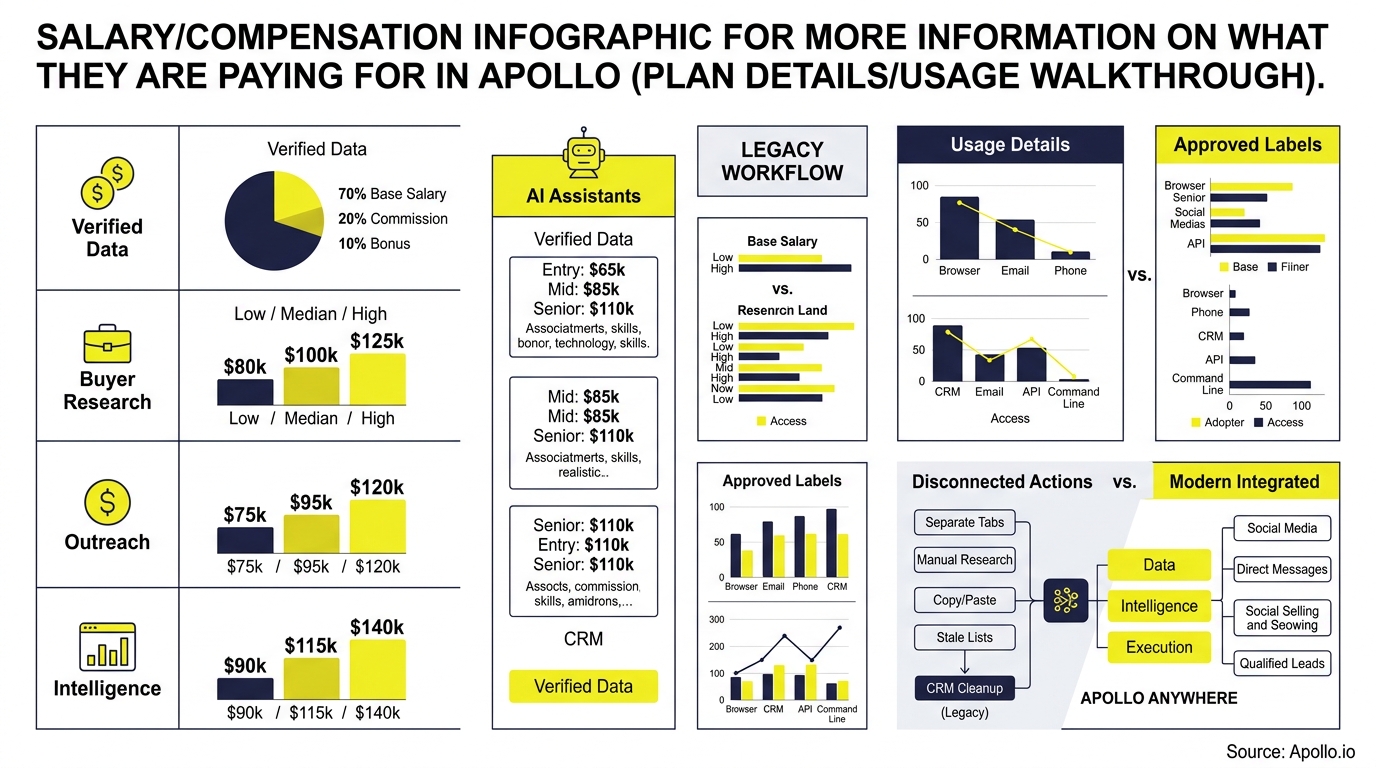
Apollo pricing pages show four plan tiers, but the number on the checkout page only tells half the story. What you're actually paying for is a combination of seats and credits, the consumption currency that powers email verification, mobile numbers, AI research, and enrichment. Understanding how credits map to real GTM workflows is the difference between a plan that runs out by week two and one that comfortably supports your team all year.
This walkthrough breaks down exactly what each Apollo plan includes, how credits get consumed across common sales tasks, and how to build a realistic usage model before you buy. For a broader look at how Apollo compares to point solutions, see Apollo vs Outreach vs Salesloft.

Skip Hours Of Manual Research With Apollo
Still verifying emails and phone numbers by hand before every outreach push? Apollo hands your team 240M+ verified contacts at 98% accuracy, so reps sell instead of searching. Reclaim your day and start prospecting smarter.
Start Free with Apollo →Key Takeaways
- Apollo plans bundle seat access with an annual credit allowance that pays for emails, mobile numbers, AI research, and enrichment actions.
- Credits don't roll over between billing cycles, so unused capacity resets and teams need a workload estimate before choosing a tier.
- AI research and waterfall enrichment can consume multiple credits per record, so a single prospecting run can draw down your balance faster than a simple contact list export.
- Apollo's usage reporting now breaks consumption down by user, feature, action, and surface, making it easier for RevOps to spot overspend before renewal.
- Comparing Apollo's bundled cost against separate data, dialer, and sequencing subscriptions is the real ROI test, not the sticker price alone.
What Are You Actually Paying For In Apollo's Plans?
You're paying for two things bundled together: a seat license that unlocks specific product features, and an annual credit allowance that pays for consumption-based actions like email verification and enrichment. Free costs $0, Basic runs $49/user/month billed annually, Professional is $79/user/month, and Organization is $119/user/month with a 3-user minimum, according to Apollo's official pricing page.
Each tier unlocks progressively more product depth, not just more credits:
- Basic adds unlimited sequences and native CRM integrations, useful once an SDR moves beyond manual spreadsheet outreach.
- Professional adds workflow automation, AI research, and a dialer, the tier most revenue teams land on for full-cycle prospecting.
- Organization adds international dialing, SSO, and advanced admin controls, built for enterprise GTM teams that need governance at scale.
As a breakdown of Apollo's plan structure notes, credits serve as the primary currency for data access across every tier, so the plan you choose sets your annual credit ceiling as much as your feature set.
How Do Apollo Credits Actually Work?
Apollo credits are consumed per action, not per plan, meaning your annual allowance depletes based on how many emails, phone numbers, and enrichment jobs your team runs. A verified email typically costs no more than 1 credit. According to Cotera's Apollo pricing breakdown, email enrichment typically costs 1 credit per contact, while mobile number reveals and waterfall enrichment can consume several credits per record depending on how many data providers are queried.
Here's what drives credit consumption in practice:
| Action | Typical Credit Cost | Where It Adds Up |
|---|---|---|
| Verified email | Up to 1 credit | Every new contact added to a list or sequence |
| Mobile number reveal | Several credits per contact | Cold calling lists, dialer prep |
| Waterfall enrichment | Multiple credits per record | CRM cleanup, bulk list enrichment |
| AI research job | 1 credit per record/column combo | Custom account research across multiple fields |
Unused credits expire at the end of each billing cycle and don't roll forward, so a quiet month doesn't bank capacity for a busier one. Add-on credit packs renew automatically unless a team scales them back before the next cycle.
How Does A Real Usage Walkthrough Look For An SDR Team?
A realistic usage walkthrough starts with an ideal customer profile (ICP) search, then tracks credit spend through save, enrich, sequence, and dial. Here's the six-step flow most SDR teams run weekly:
- Search: Build an ICP list using firmographic and technographic filters.
- Save: Save the list to a segment for ongoing tracking.
- Estimate: Project credit spend based on list size before enriching.
- Enrich: Pull verified emails and mobile numbers, consuming credits per contact.
- Sequence: Load enriched contacts into a multi-channel sequence.
- Audit: Review credit usage reports weekly to catch overspend early.
For SDRs running 100 prospects through a 3-field AI research job, that's roughly 300 credits consumed in a single batch, before any emails or mobile numbers get pulled. Struggling to find qualified leads without burning through credits fast? Search Apollo's 240M+ contacts with 65+ filters to build tighter lists before you enrich, which cuts wasted spend on contacts that don't match your ICP.

How Can RevOps Leaders Track And Control Credit Spend?
RevOps leaders can track credit spend using Apollo's usage reporting, which now breaks consumption down by user, feature, action, and surface, including the web app, API, browser extension, and automated workflows. This granular view helps admins spot which reps or workflows are burning through the annual allowance fastest, and adjust before renewal instead of after.
Key controls RevOps teams should set up:
- Per-user budgets: Cap how many credits an individual rep can consume monthly.
- Workflow limits: Set per-run and lifetime credit ceilings on automated enrichment or AI research jobs.
- Surface-level audits: Review whether credit drain is coming from manual search, API calls, or bulk CSV enrichment.
- End-of-cycle reviews: Since credits expire and don't roll over, schedule a review a week before renewal to right-size the next tier.
RevOps leaders managing multiple integrations often find that consolidating data, enrichment, and sequencing into one credit system is simpler to forecast than reconciling spend across separate vendor invoices. For teams weighing broader intelligence tooling, top market intelligence tools for B2B covers how enrichment fits into a wider stack.
See Deal Stages Before They Stall
Marketing leads going cold before sales ever touches them? Apollo scores and prioritizes prospects in real time, so reps chase buyers who are actually ready. Built-In improved win rates using Apollo's signals and guidance.
Start Free with Apollo →How Do AEs And Account Executives Get Value From Their Plan?
Account Executives get value from their Apollo plan primarily through deal-stage enrichment, meeting scheduling, and AI-assisted call summaries, features bundled into Professional and Organization tiers. Instead of manually researching an account before a call, AEs can pull enriched firmographic and contact data directly inside their workflow, saving prep time before every meeting.
For AEs juggling multiple live deals, credit consumption shows up mostly in:
- Enriching new stakeholders added mid-deal cycle
- Pulling mobile numbers for warm follow-up calls
- Running AI research on competitive intelligence before renewal conversations
Tired of taking manual notes during every call and losing track of next steps? Let Apollo's AI handle call summaries and next steps so reps spend more time selling. Collin Stewart of Predictable Revenue put it simply: "We reduced the complexity of three tools into one."
Why Does Tool Consolidation Change The Real Cost Comparison?
Tool consolidation changes the cost comparison because Apollo's credit-based plan replaces the combined cost of separate data, sequencing, dialer, and enrichment subscriptions, not just one line item. Teams evaluating Apollo against a stitched-together stack should compare total annual spend across every tool it could replace, not the price of a single point solution.
Justpricing's analysis of Apollo's market position notes that Apollo's growth reflects a broader shift toward stack consolidation, where companies replace multiple point solutions with a single platform. That shift matters for budget owners comparing renewal quotes across a fragmented stack.
Teams that consolidate report meaningful operational wins beyond raw dollar savings. Anna Lee of Census shared that her team "cut our costs in half" after moving off separate point tools, while a Cyera team member described having everything in one system as "a game changer" for visibility across the funnel.
Frequently Asked Questions
How Much Does Apollo Cost Per User In 2026?
Apollo's Free plan costs $0. Basic is $49/user/month billed annually, Professional is $79/user/month, and Organization is $119/user/month with a 3-user minimum, per Apollo's pricing page. Each tier includes an annual credit allowance that scales with the plan.
What Happens When A Team Runs Out Of Credits?
When a team exhausts its credit allowance, enrichment, email verification, and mobile reveals pause until the next billing cycle or until the team purchases an add-on credit pack. Since credits expire at cycle end and don't roll over, RevOps teams should monitor usage reports throughout the cycle rather than waiting until the balance hits zero.
Can Small Teams Use Apollo Before Committing To A Paid Plan?
Yes. Apollo's Free tier costs $0 and gives smaller teams a way to test core search and enrichment before upgrading to Basic at $49/user/month on annual billing.
This lets founders and early SDR hires validate fit before scaling seat count.

What's The Bottom Line On Apollo Plan Value?
The bottom line is that Apollo's pricing isn't just a seat fee, it's a bundle of product access and consumption credits that need to be modeled against your team's actual workflow before you commit to a tier. Skipping that modeling step is how teams end up either overpaying for unused capacity or hitting credit walls mid-quarter.
Building a credit estimate before you buy protects your budget and gives RevOps a clear renewal forecast instead of a surprise invoice. Spending hours stitching together data, sequencing, and dialer tools instead of running one connected workflow? Automate your sequences with Apollo's multi-channel platform and see exactly what your credits are producing in pipeline.
Start a Trial:Start free with Apollo today and model your own credit usage before your next renewal.
Ramp New Reps Fast, Prove ROI With Apollo
New hires still stuck shadowing calls for weeks before booking a meeting? Apollo gives every rep the same playbooks, sequences, and data on day one. Built-In saw +10% win rate and +10% ACV using Apollo's guidance.
Start Free with Apollo →Don't miss these
Sales
Inbound vs Outbound Marketing: Which Strategy Wins?
Sales
What Is a Sales Funnel? The Non-Linear Revenue Framework for 2026
Sales
What Is a Go-to-Market Strategy? The 2026 GTM Playbook
See Apollo in action
We'd love to show how Apollo can help you sell better.
By submitting this form, you will receive information, tips, and promotions from Apollo. To learn more, see our Privacy Statement.
4.7/5 based on 9,690 reviews
