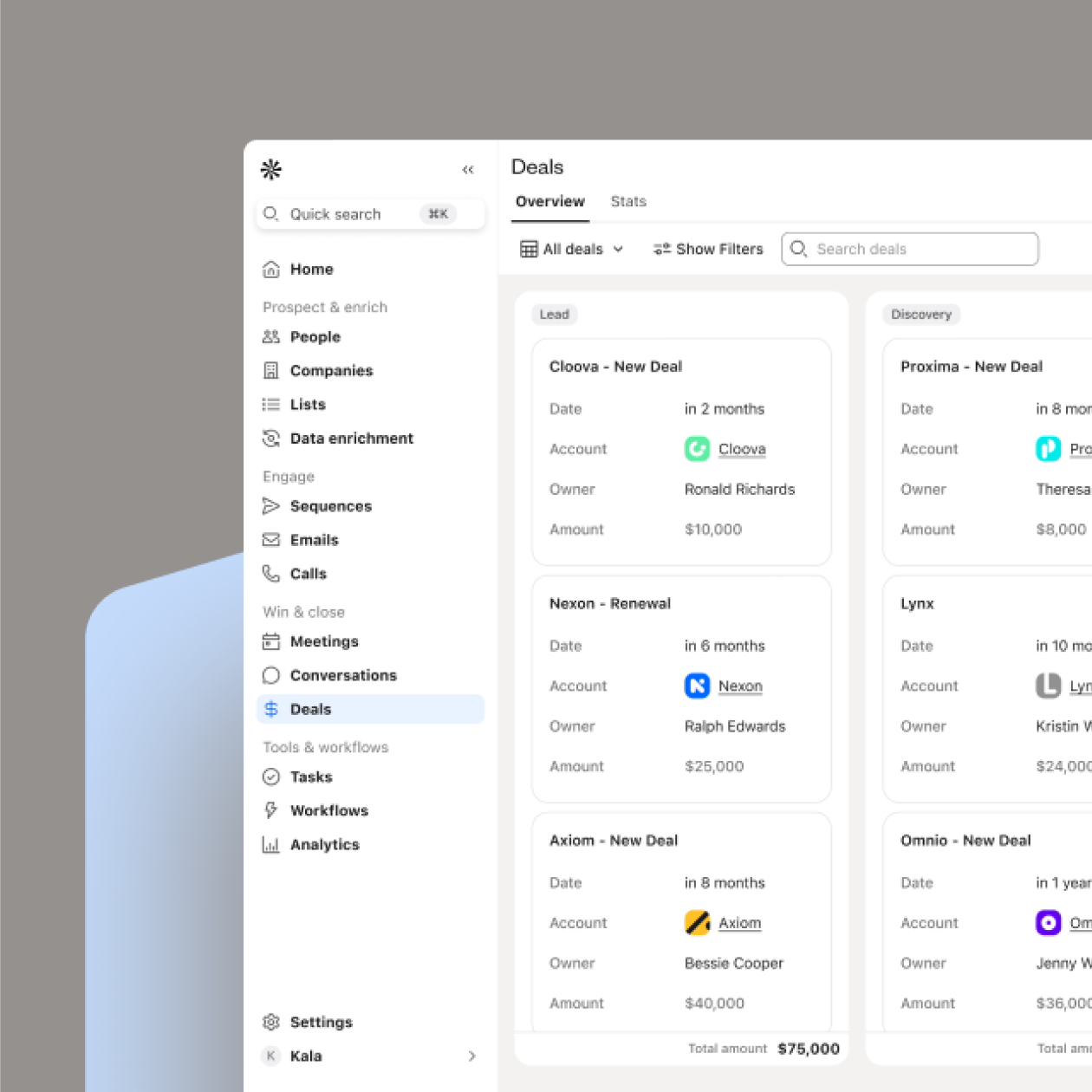
How do you identify key decision makers at Adobe enterprise accounts?
Adobe’s matrix organizational structure makes enterprise selling complex—teams report to multiple leaders across both functional departments (Digital Media and Digital Experience) and specialized business units. Since Anil Chakravarthy oversees global enterprise sales, understanding how his org connects to these divisions is essential. Each large deal involves a buying committee of 6–10 stakeholders from IT, Finance, Legal, and Procurement—each with their own priorities and veto power. Success comes from mapping this matrix early and tailoring your outreach to every stakeholder’s role and influence.
- Map the matrix structure first: Use Apollo to identify stakeholders across both Digital Media and Digital Experience divisions. Create a visual map of reporting lines, influence chains, and collaboration patterns to understand where authority sits.
- Lead with discovery questions: Early in conversations, ask “Who else typically gets involved when evaluating solutions like this?” or “How did your team make similar decisions in the past?” These uncover hidden influencers who aren’t on org charts.
- Leverage Adobe’s procurement calendar: Time outreach 60–90 days before renewal periods when teams collect quotes, or near quarter-end when they’re motivated to close deals for favorable terms.
- Create role-specific value propositions: Tailor your messaging to each function: productivity and usability for champions, ROI and scalability for economic buyers, compliance and budget alignment for Finance and Legal, and efficiency for Procurement.
What are proven Adobe account engagement tactics that increase meeting rates?
Adobe promotes account-based engagement through its own ABM products, and mirroring that method works. Target full buying groups rather than isolated contacts—data shows conversion rates can rise from 2–5% to as high as 18% when multiple stakeholders are addressed in coordinated outreach. Combine short, personalized video messages (tied to Adobe’s AI or customer experience initiatives) with multi-channel touchpoints across email, LinkedIn, and phone for maximum impact. Video emails alone can drive 4× higher click-through rates.
- Implement buying group targeting: Engage 6–10 stakeholders per account using Apollo’s account-based tools to coordinate personalized messaging for each role.
- Design structured follow-up sequences: Build 8–12 touchpoint cadences with 4–8 email follow-ups spaced 2–4 days apart, adding value with each message (Adobe Summit recaps, Forrester data, or relevant reports).
- Use trigger-based timing: Watch for hiring spikes, leadership shifts, or product announcements—reach out when internal momentum is high.
- Lead with problem–agitate–solve frameworks: Identify Adobe’s pain (AI rollout, data silos), validate with external examples, and position your offer as the fix.
How do I qualify enterprise prospects for Adobe’s integrated solution portfolio?
Adobe’s procurement process prioritizes vendors who meet enterprise-grade security and compliance standards, contribute to their AI transformation vision, and commit to long-term partnership over one-off sales. They maintain a Common Controls Framework (CCF) unifying 4,300+ requirements, so security proof points are non-negotiable. With 80% of executives increasing tech budgets but one-third facing integration shortfalls, the winning message is: you unify data and enable AI without adding another silo.
- Lead with compliance: Present SOC 2, ISO 27001, and industry certifications mapped to Adobe’s 21 CCF standards—table stakes for credibility.
- Target both CTO and CIO: Prepare AI demos for technical leaders (e.g., Ely Greenfield) and ROI cases for CIOs emphasizing Experience Cloud’s 330% ROI.
- Position integration, not addition: Focus on solving fragmentation (32% of enterprises cite this as a barrier) and unclear data strategy (30%) by unifying data flows.
- Emphasize partnership: Reference Adobe’s preference for long-term vendor relationships; highlight innovation cadence and sustained support models.
What are the key differentiators when positioning Adobe Experience Cloud against competitors?
Adobe Experience Cloud stands apart through three differentiators: proprietary Adobe Sensei AI, seamless Creative Cloud integration, and proven enterprise ROI (330% per Forrester). Its creative-to-marketing pipeline creates a unique advantage—no other platform owns both asset creation and campaign delivery. With 74% of Fortune 500 companies already using it, credibility and scale are on your side.
- Show the creative-to-campaign bridge: Explain how Adobe moves teams from Photoshop to Experience Manager seamlessly—competitors can’t match end-to-end workflow ownership.
- Lead with Sensei AI: Emphasize Smart Tagging, Smart Crop, and automation that save hours—while competitors depend on generic models.
- Use enterprise validation: Highlight 74% Fortune 500 adoption and Forrester’s 330% ROI as proof of enterprise trust and measurable outcomes.
- Position unified data: Show how Adobe’s centralized data model eliminates fragmented integrations, enabling real-time personalization and predictive analytics.
Which ROI metrics resonate most with enterprise buyers evaluating Adobe Experience Platform?
Enterprise buyers prioritize ROI (Forrester cites 431% returns for AEP), operational efficiency from unified data, and speed-to-market gains translating to competitive edge. Buying groups typically include 6–11 stakeholders, with C-suite involvement in nearly 40% of cases—so align metrics to each role’s focus.
- Lead with validated ROI: Use the 431% figure for Real-Time CDP, Journey Optimizer, and Journey Analytics—it’s the strongest proof point available.
- Translate silos into dollars: Quantify inefficiencies—missed revenue and duplicate work—and frame unification as recovered profit, not IT cleanup.
- Build multi-role cases: Craft one deck that speaks to CFO (returns), CIO (risk and scalability), and CEO (growth and differentiation).
- Highlight speed-to-value: Cite implementation results—4-month go-lives, 23% productivity gains, and 64% faster content updates—as proof transformation doesn’t take years.
VP-level contacts
Direct dials & verified emails
Org chart filters
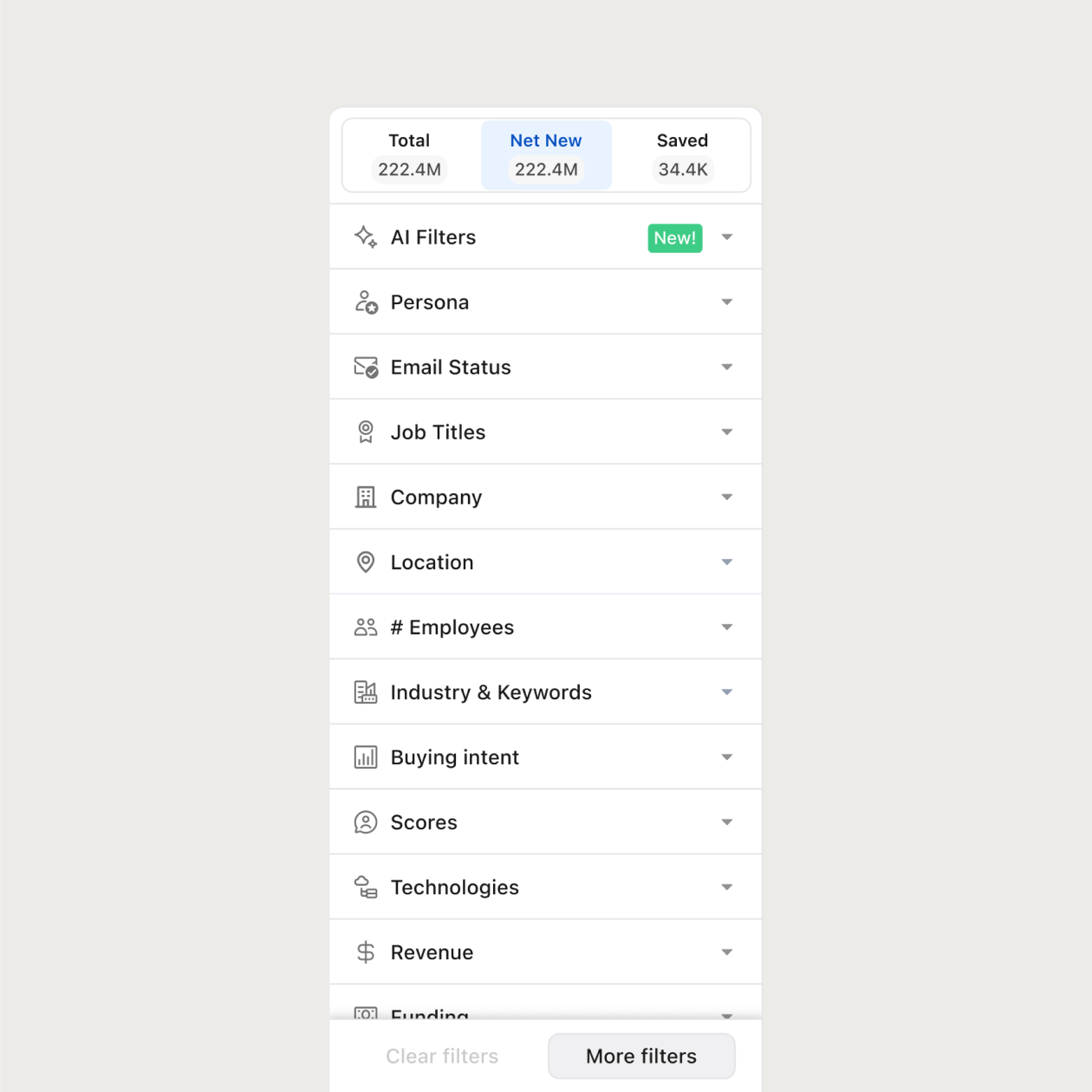
Adobe Contacts
Sell into Adobe with Confidence
Apollo unlocks contact data for Adobe’s marketing tech, design, and product teams—so you can target with surgical precision.
Filter by department: Creative Cloud, Enterprise Marketing, Product
Pinpoint decision-makers by title & function
Verified emails + direct phone numbers
The most loved sales platform on the planet
4.7/5 based on 9,690 reviews | GDPR Compliant





Frequently asked questions
Yes—Apollo surfaces Adobe contacts by title, department, and seniority—including marketing execs and tech leads.
Absolutely. Apollo’s filters let you target Adobe teams by platform, product line, or org level.
Yes—Apollo allows direct export to CSV or sync with Salesforce, HubSpot, and other tools.
Apollo’s real-time enrichment keeps Adobe’s contact records accurate and relevant for high-stakes outreach.
